Construction & trades
Proposals, SOVs and submittals that match your estimate
Once the numbers are done, the paperwork starts: the proposal, the schedule of values, then the submittal package after you win. We set up AI that drafts all three from your estimate, the drawings and the spec book, in your format, for you to check and sign.
At a glance
Proposals, SOVs & Submittals
- Starting at
- $3,500 per workflow
- Typical timeline
- Most are live in 2–3 weeks, built from proposals and SOVs you've already sent
- Works with
- ClaudeChatGPTMicrosoft WordExcelGoogle Docs +4 more
Set up in person, on your own accounts
What it is
In plain English
You won the job. Good. Now the GC wants a schedule of values by Friday, a submittal package in two weeks and the first pay app at the end of the month. You already did the hard part when you priced it. What’s left is retyping that price three different ways, and it always lands on your evenings.
At Dom’s construction company, the same system that does the takeoff also writes the proposal: scope, inclusions, exclusions and clarifications pulled from the estimate and the specs, with the marked-up drawings attached. See the estimating system. We build the same thing on your templates and add the SOV and submittal steps that come after award.
The real win is that it’s the same every time. Every proposal carries your standard exclusions. Every SOV matches what you priced, so your pay apps line up with your estimate. Every submittal package has what the spec asked for, so you’re less likely to see one come back marked “revise and resubmit.”
You still read and sign everything. The AI writes the first draft and does the gathering. If your numbers aren’t automated yet, start with estimating and takeoff. If it’s mostly forms and certificates that slow you down, look at compliance paperwork. Or try the photo-to-estimate demo to watch a scope, sample line items and a proposal preview come together from one photo.
What’s included
What you get
Set up on your accounts, tested with your real work, and explained to your team before we call it done.
- Proposal drafts from your estimate: scope, inclusions, exclusions, clarifications, alternates and unit prices, in your company's wording
- Each proposal line tied to the drawing and spec section it came from
- A schedule of values broken out the way the GC or owner asks, matched line for line to your estimate
- Monthly pay app drafts from those same SOV lines and your percent complete, for you to check before they go to the GC
- A submittal list pulled from the spec sections for your trade
- Submittal packages put together: cover sheet, product data, warranties, sample and mock-up lists
- A log of what was submitted, what came back approved and what needs to be resubmitted
How it works
One example, step by step
A typical setup. We shape every step around how your business already runs, and you approve anything that goes out.
Example workflow
Proposals, SOVs & Submittals, start to finish
-
Step 1
Estimate done
Your checked quantities and prices are the starting point.
-
Step 2
Proposal
AI drafts the proposal in your template, with the scope tied to the specs and sheets.
-
Step 3
SOV
The price is broken into a schedule of values in the GC's format, and those lines carry into your pay apps.
-
Step 4
You sign
You read it, change what you want and sign. Nothing goes out on its own.
-
Step 5
Submittals
After award, it builds the submittal list and packages from the spec book and product data.
-
Result
Track
A log follows every submittal: sent, approved, or revise and resubmit.
Tools, timing & price
What it takes to get it running
Tools we use
- Claude
- ChatGPT
- Microsoft Word
- Excel
- Google Docs
- Google Sheets
- Bluebeam
- Microsoft 365
- Google Workspace
We’re not a reseller or partner of any of these companies. You sign up in your own name, and we set it up and train you on it.
Typical timeline
Most are live in 2–3 weeks, built from proposals and SOVs you've already sent.
Counted from the day you approve the written plan. We test with your real work before anything goes live.
Starting at
$3,500 per workflow
Automation Build
Final price after the audit.
- You pay software vendors directly, at their price, with no markup
- You own every account and file
- No long-term contract
See it work
Try it with sample data
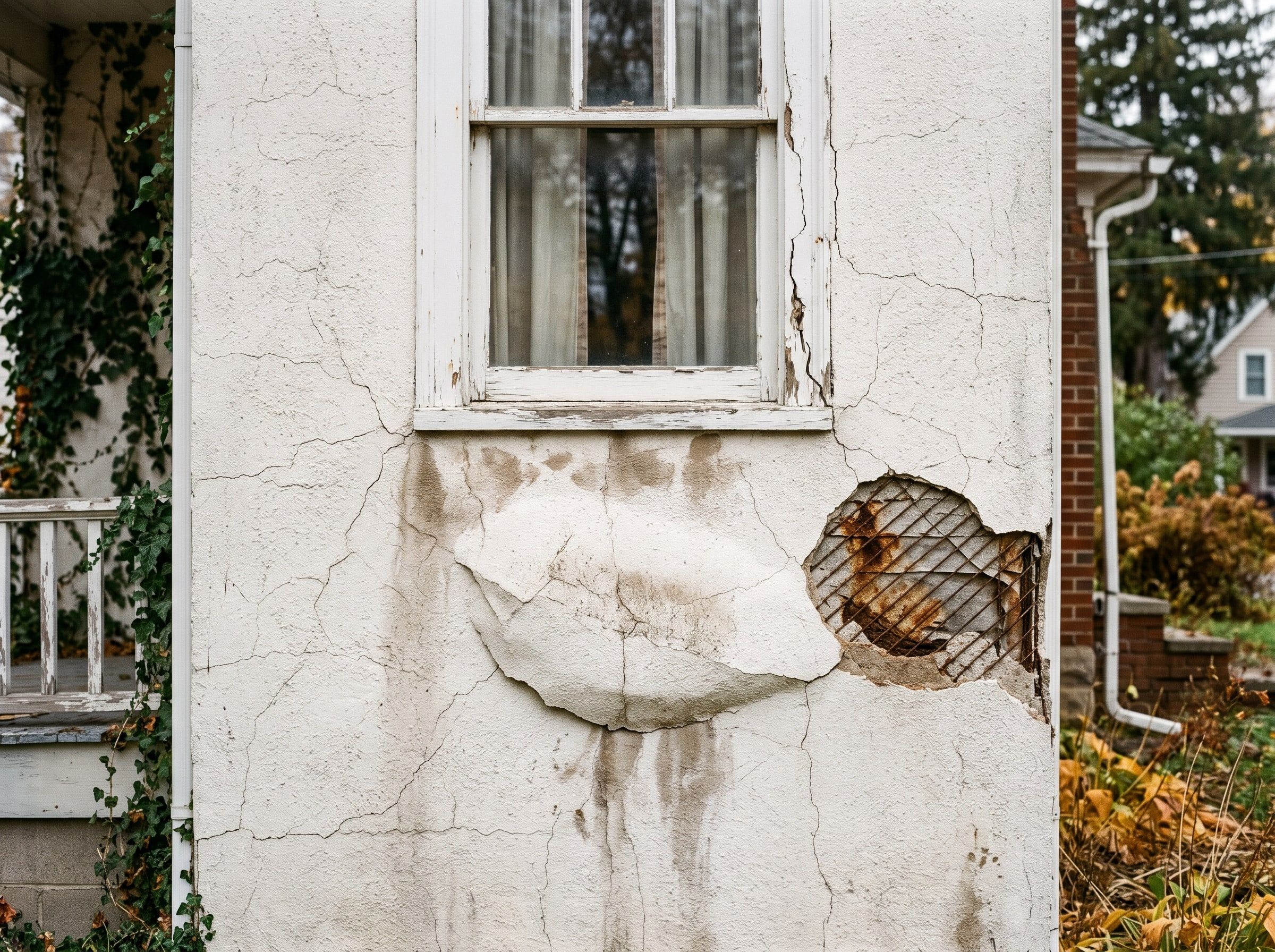
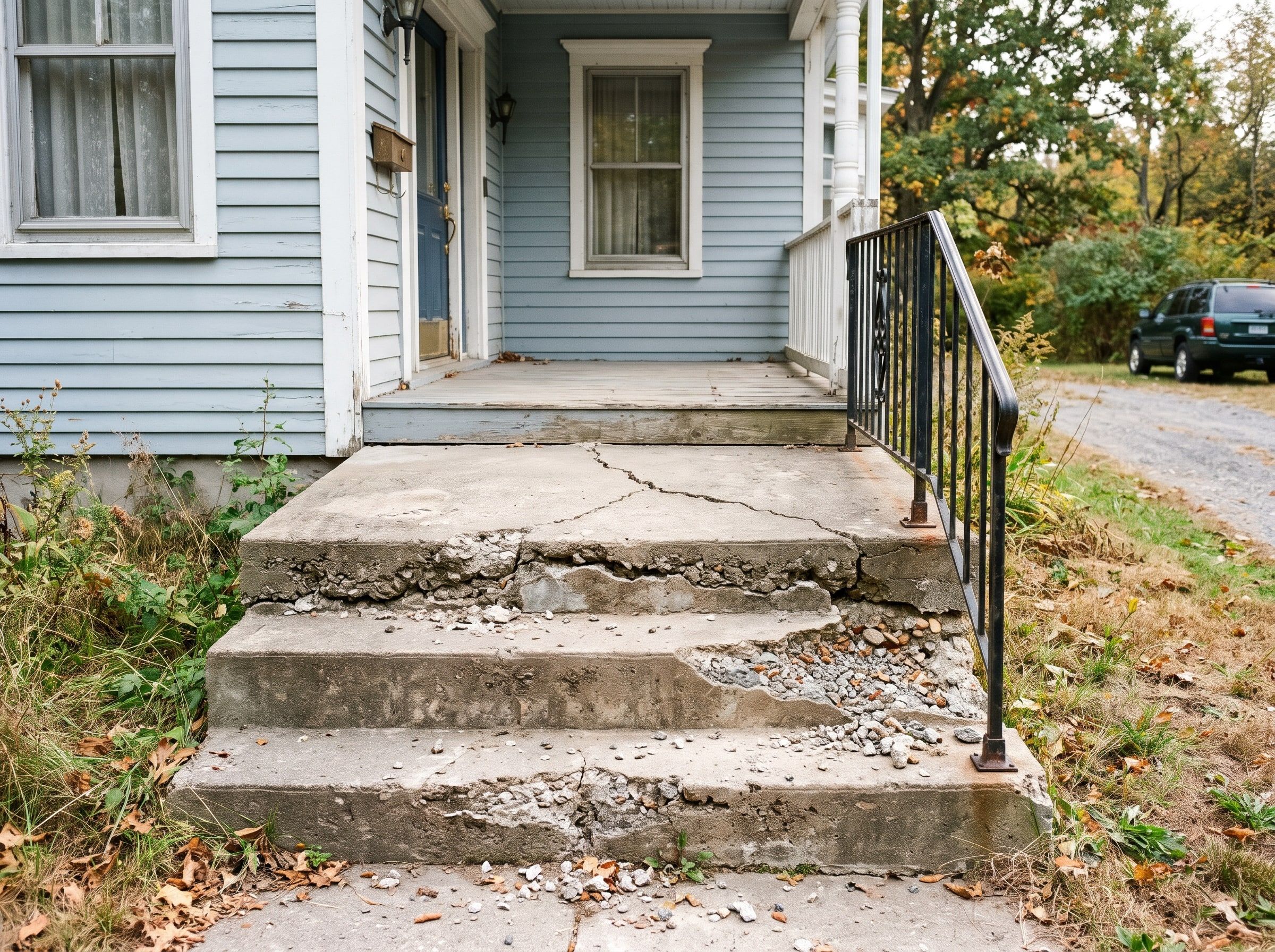
Pick a job photo. The AI lists what it sees, writes a scope and drafts a line-item estimate.
Pick a job photo
Like the ones customers text you from the driveway.
Pick a photo above to start
It runs right here in your browser on sample data.

Working on it
What you get back
- What’s wrong, pinned right on the photo
- A scope written the way you’d explain it
- Line items with quantities and your prices
- A proposal PDF you check and send
Draft estimate
Sample pricing — not a quoteWhat I see
Recommended scope
Line items
| Item | Qty | Unit | Unit price | Total |
|---|
Sample pricing — not a quote. The real version uses your own price list and markups.
Proposal ready
Brick wall crack repair
For Sample Homeowner · from Your Company Name · sample total
In the real version it’s your logo, your prices and your terms. You look it over and hit send.
Live demo with sample data. We build the real version on your own accounts.
Want estimates like this, priced your way?Questions
Straight answers
Have a different one? Call or text (518) 704-3125.
More questions and answersWill it use my own proposal template?
Yes. We start from proposals you've already sent, so your format, the exclusions you always include and the way you word things carry over. It fills in the job-specific parts and ties each line to the drawing or spec section it came from, so you can check it fast.
Can it fill in the GC's SOV or pay app form?
Usually, yes. If the GC sends an Excel or PDF form, we set it up to break your price into their lines and keep those same lines for billing later. Some GC portals have to be filled in by hand. For those, it gets the numbers ready so you're copying, not figuring.
Does AI write the submittals?
It does the gathering and the putting together: reading the spec sections for your trade, listing every required submittal, pulling the product data sheets and building the package with a cover sheet. You or your project manager check it before it goes to the GC. It won't pick products for you, and it won't sign off on anything an engineer or architect needs to stamp.
Keep exploring
Where this fits in
Industries that use it
Real work: we run this at our own company
AI estimating & takeoff Case study Drawing sets measured, priced and cross-checked by three AI models, then turned into the estimate workbook, proposal and marked-up sheets. Read how it worksAlso in Construction & trades
- Estimating & Takeoff Automation AI measures quantities from your PDF drawings, three models cross-check the count, and you review every number. Details
- Bid Finding & Tracking Every morning, AI checks NY public bid sites and your inbox, scores what fits your trades and sends you a ranked list. Details
- Supplier & Sub Pricing Requests Personal pricing-request emails drafted for your whole supplier and sub list, queued for your OK, tracked until quotes are in. Details
- Compliance Paperwork COIs, prequals, vendor forms and registrations filled out from your saved company info, so paperwork stops holding up jobs. Details
Want to see everything? All services · All demos · Real work · Text us a question
Free intro visit
Let’s find the hours you’re losing.
Tell us where to call. We’ll set up a free 30‑minute visit at your office — or a quick call if that’s easier.
We come to you anywhere in the Capital Region. Our office at 401 New Karner Road, Albany is open by appointment only. Mówimy po polsku.
Get a call back
Two fields. A real person calls back, usually the same business day.
Got it — we’ll call you soon.
Need us sooner? Call or text (518) 704-3125.
Prefer to tell us more? Use the full request form.